Skapa din första sida
Hoppsan! Det verkar som om din annonsblockerare hindrar videon från att spelas upp.
Titta på den på YouTube

Alla sidor du skapar i Notion är som en ny tom duk där du kan lägga till vilket innehåll du vill. Följ de här stegen för att skapa din första. 📄
There are a few ways to add a new page in Notion.
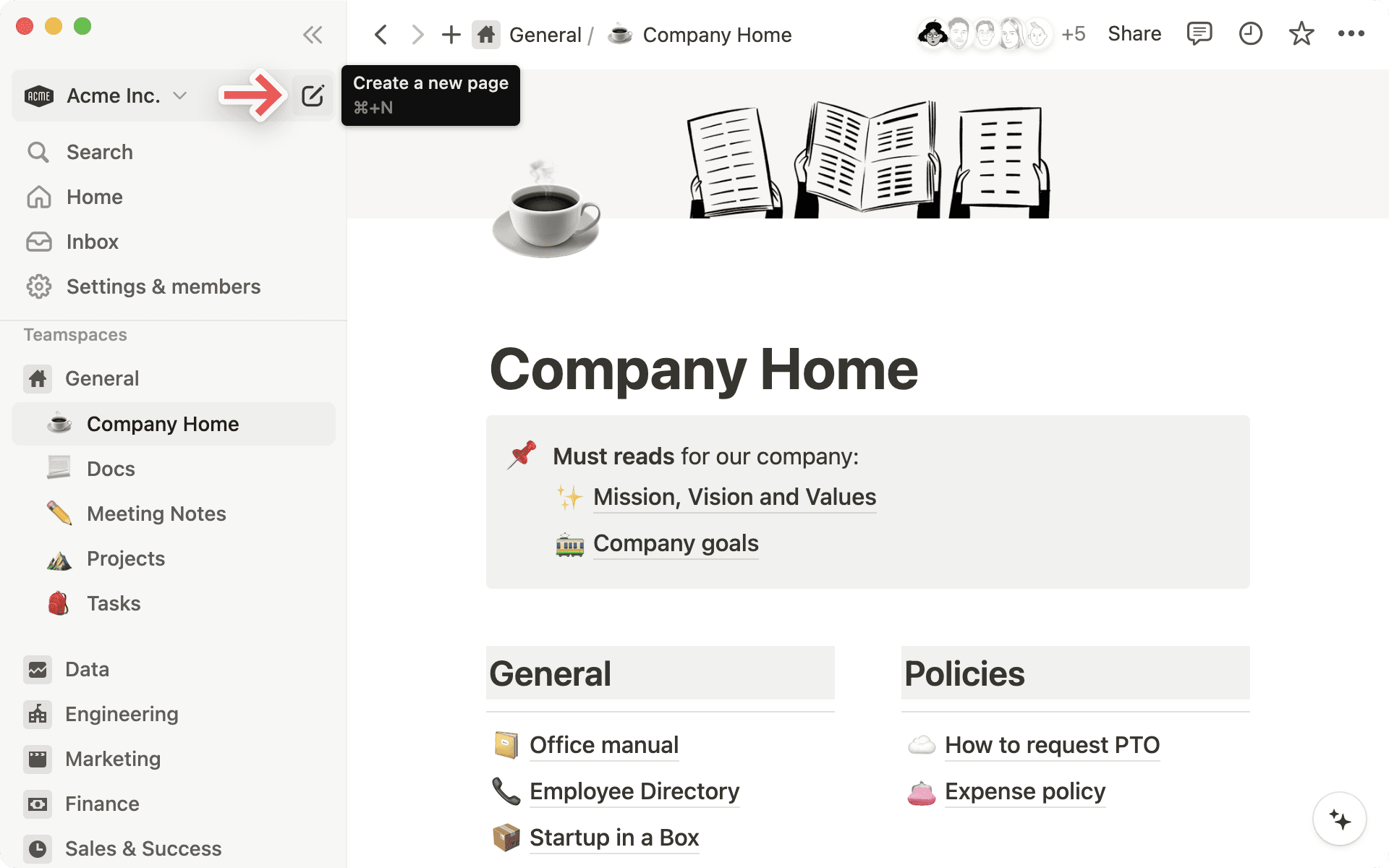
Click
New pageat the top of your left sidebar.If you’re on the desktop app, use the shortcut
cmd/ctrl+N.If you’re on mobile, tap
+at the bottom of your screen.
Once your new page opens, you can give your page a title and start jotting down your thoughts.
Need some inspiration or structure? On desktop or web, select any of the options at the bottom of the page to get started. You can import from an app or file, use a template, create a table, and more — select an option you like, and your page will be formatted accordingly!
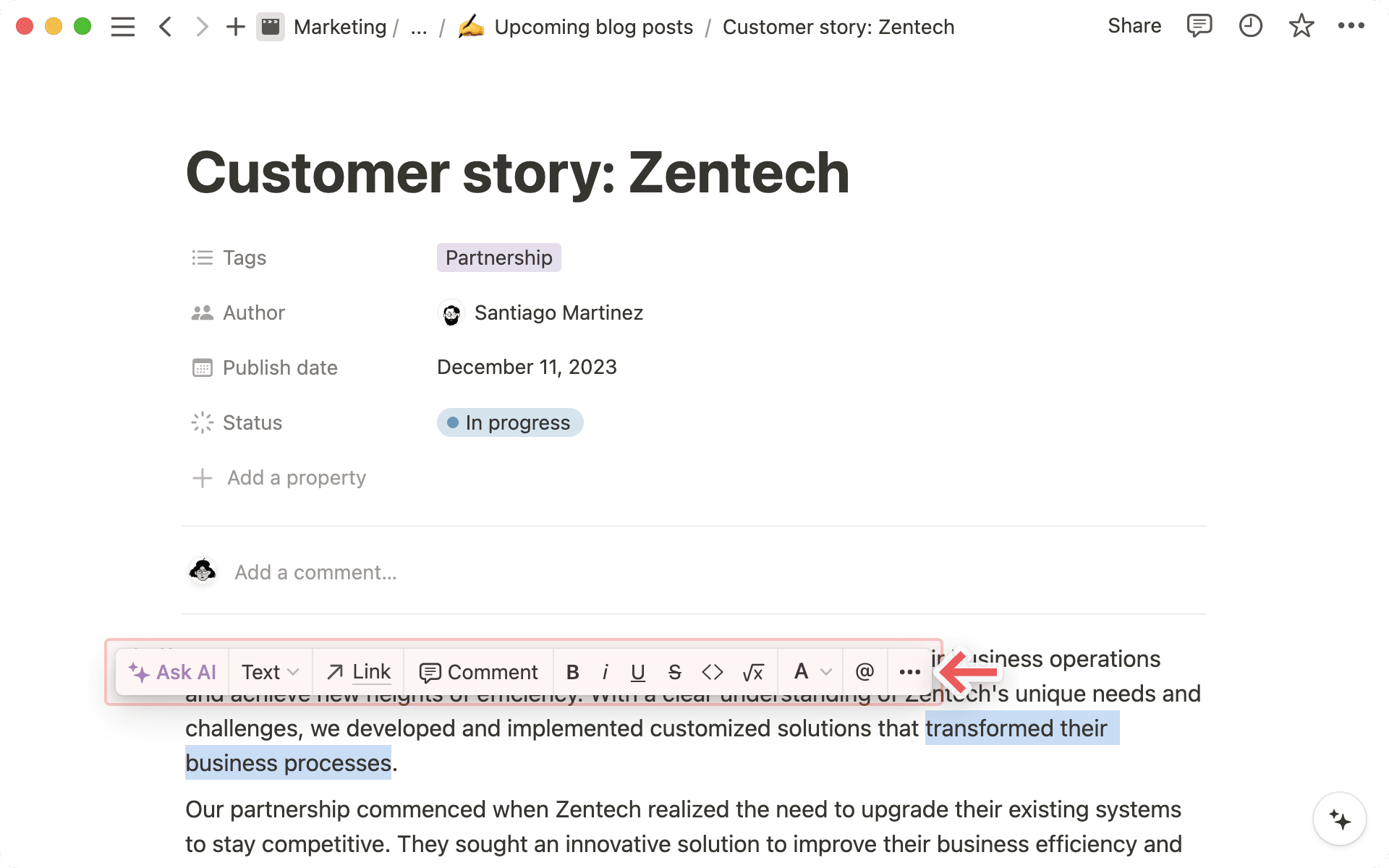
As you write, highlight any text on your page to bring up a menu of options. You can change the color or style of your text, add a comment or hyperlink, and more. Learn more about writing and editing basics here →
Kommandot / kommer snabbt att bli din bästa vän i Notion.
När du skriver
/visas en omfattande meny med blocktyper – alla dina innehållsalternativ. Experimentera med olika blocktyper – du kommer snabbt att hitta dina egna favoritkombinationer!Lägg till en valfri blocktyp genom att skriva
/och bläddra till den du vill använda eller skriv dess namn. Till exempel skapar/r1en stor rubrik och/uppgifterskapar en kryssruta.